
01Excel
Production data trapped in spreadsheets
Schedules, output and scrap live in files only one planner fully understands — and every copy is a different version.
Your plant runs on an ERP, a dozen spreadsheets, machine screens, emails, paper travelers — and the people who hold it all together. inSaaS turns those fragmented workflows into connected software and AI systems built for your production process, not a generic one.
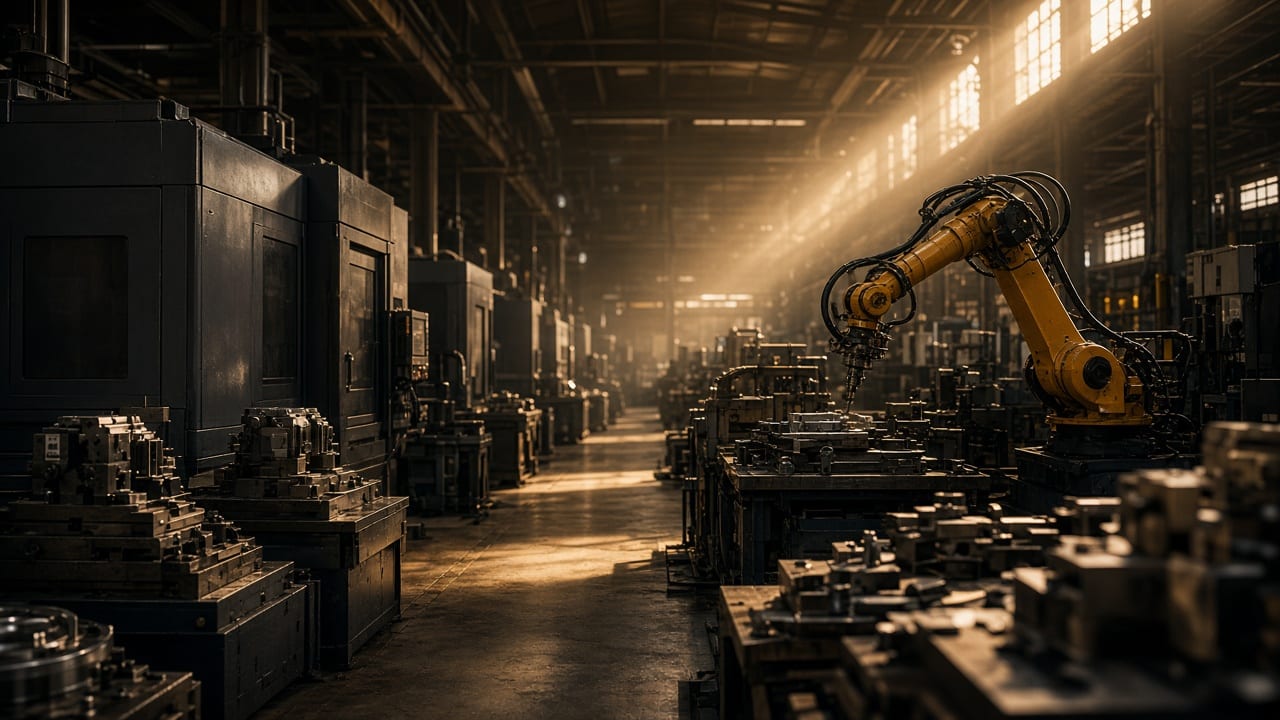
Generic SaaS assumes your process fits its template. Plants don't work that way: routings change, machines drift, suppliers slip, and the real process lives in people's heads and spreadsheets.
We build software around that reality — the specific way your plant plans, produces, inspects, maintains and ships.
Every plant we talk to already has software. The trouble is the work between the systems — the re-keying, the chasing, the double-checking — that no system owns.
Showing all 14 problems
Five sources. Five versions of the truth.
Schedules, output and scrap live in files only one planner fully understands — and every copy is a different version.
The ERP says the order is in production. The floor says it's waiting on a fixture. Nobody updates the system until it's too late to matter.
Counts, stops and reasons go on paper travelers and whiteboards, then get typed in hours later — if at all.
The machine knows it stopped at 10:42. The business finds out from the end-of-shift report.
A late order surfaces when the customer calls — not when the first operation slipped two days earlier.
Stock is in the ERP, WIP is on the floor, and the real number is whatever the storekeeper counted this morning.
Inspection results sit on clipboards and in scanned PDFs, so tracing a defect back to a batch takes days.
Breakdowns, fixes and spares live in a logbook or a technician's phone — invisible when you plan capacity.
Buyers raise POs without seeing the production plan, so one material gets expedited while another piles up.
Supervisors spend the shift asking “where is it?” across groups and threads instead of running the line.
Each plant reports its own way, so comparing performance means reconciling spreadsheets first.
Management sees what happened on the last shift — after the chance to act on it has passed.
Someone rebuilds the same daily production report every morning by copying numbers between systems.
Your approvals, routings and quality gates are specific to your products — so off-the-shelf tools get bypassed.
Most factories don't need yet another system. They need the ones they already have to talk to each other — and to the people on the floor.
Nine systems. No shared truth.
One operational picture.
Every order, machine, material and inspection in one live view — with the people who act on it.
Eight kinds of systems we build for manufacturers. Each one starts from a specific operational problem and ends with an outcome your team can see on the floor.
Production planning, scheduling, work orders and shop-floor tracking.
Schedules built in spreadsheets, work orders on paper, and no reliable way to know which job is on which machine right now.
A planning and execution app: capacity-aware scheduling, digital work orders, and operator screens at each workstation that report starts, stops and counts.
Planners reschedule in minutes when something changes, and every open work order has a live status.
Every stage of an order creates information. Most of it is typed twice, trapped in one place, or never captured at all. Select a stage to see what we connect and automate there.
Someone re-types the PO and estimates a ship date from memory.
Someone re-types the PO and estimates a ship date from memory.
Re-sequence the schedule when a machine goes down — without rebuilding a spreadsheet.
Every station on one screen: running, idle or down, and why.
Raw material, WIP and finished goods by location, with reorder points tied to the plan.
Inspection checklists on the floor; non-conformances tracked to closure.
Preventive schedules by run hours, with the full history of every asset.
Requisitions to POs with approval rules and shortage triggers from the plan.
Supplier records, delivery performance and quote comparison in one place.
Output, downtime and scrap trends by line, shift and product.
Plant-wide views for management that refresh while the shift runs.
Find the right SOP, drawing, manual or certificate by asking a question.
Ask about production, downtime or quality and get answers with sources.
Approvals, alerts and handoffs that move without someone chasing them.
Not a chatbot bolted onto a dashboard. We build AI grounded in your production, machine, maintenance, quality and document data — so it can trace a problem across systems and show exactly where its answer came from.
What it's used for
Why did Line 3 miss today's production target?
Most of the shortfall came from CNC-07: three spindle-overheat stops cost 94 minutes, and its bearing PM is six days overdue. A late coil delivery lost another 40 minutes at start-up. Quality was not a factor.
Suggested next stepsData alone doesn't run a plant. The value is in what happens next — the alert that reaches the right supervisor, the approval that doesn't wait, the work order that creates itself.
Your routings, approval chains, quality gates, equipment and customer requirements are what make your operation yours. Generic platforms ask you to change them to fit the software. We do the opposite.
Your ERP stays your system of record. We build the layer around it — the applications, integrations, automation and AI that fit the way your plant actually runs — so nothing has to be ripped out to move forward.
We integrate with what you already run. We don't ask you to replace your ERP.
Map how the plant actually operates.
We walk the process with the people who run it — planners, operators, supervisors, quality and maintenance — and document how work really moves, workarounds included.
You getCurrent-state process map
Map systems, data, machines and workflows.
We inventory every system, spreadsheet and machine interface involved, and agree what to read from, what to write back to, and what to leave alone.
You getSystems & data map
Design the operational experience and architecture.
Screens for the floor and the office, the data model and the integrations — designed and reviewed with your team before production code is written.
You getClickable prototype & architecture
Build and integrate in iterative releases.
Working software arrives in short iterations you review against real plant data, so problems surface early instead of at go-live.
You getTested, working releases
Deploy into the real workflow, then keep improving it.
We roll out line by line, train the people who use it every shift, and keep improving the system as your operation changes.
You getA live system — and a team that stays on
We won't show you manufacturing logos we haven't earned. These are real systems we designed and built — different industries, the same problem underneath: scattered data, manual admin and no single view of the operation.
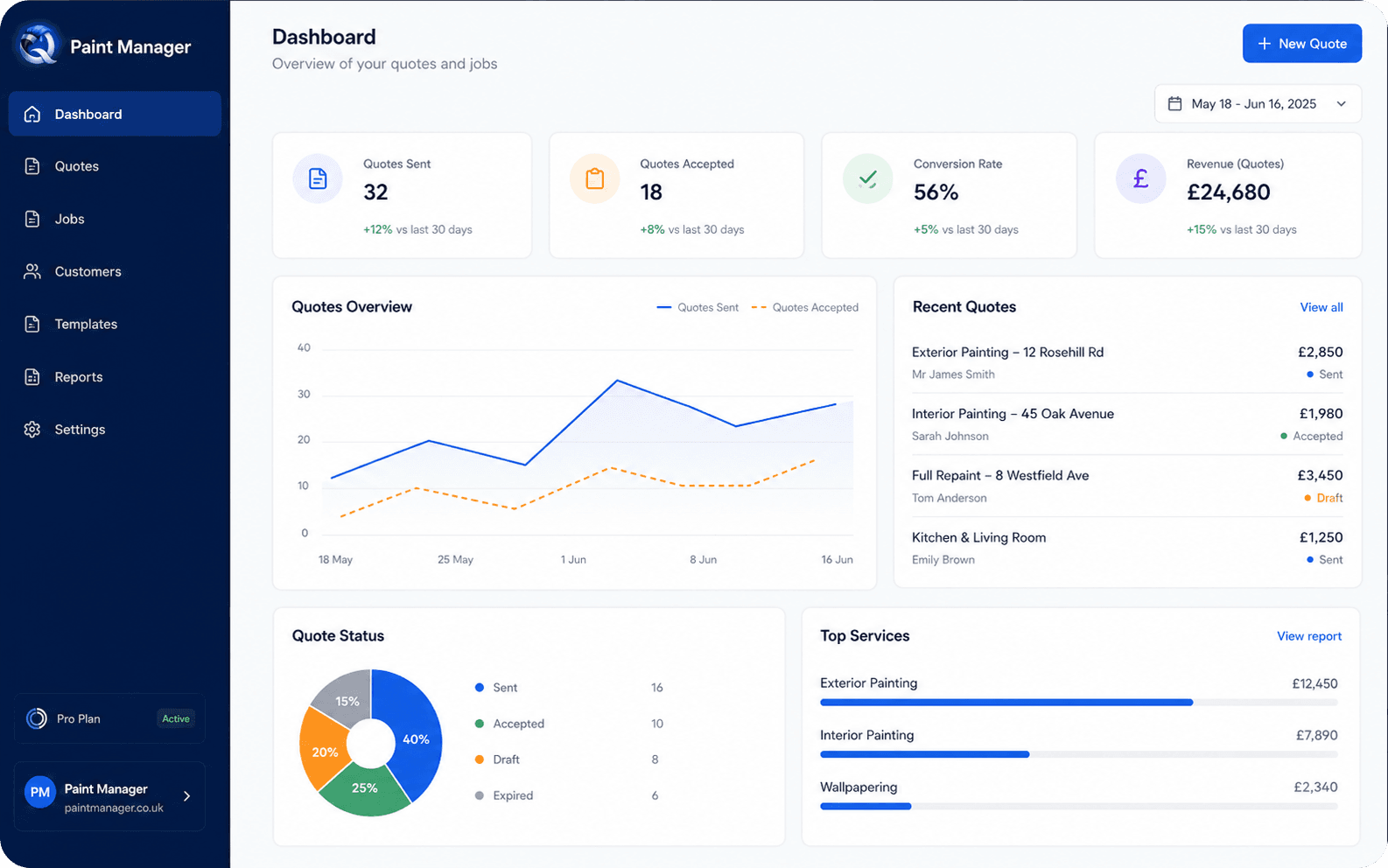
Why it matters for a plant: The same shape as quote-to-order and work-order flows on a plant floor.
Read the case study: Paint Manager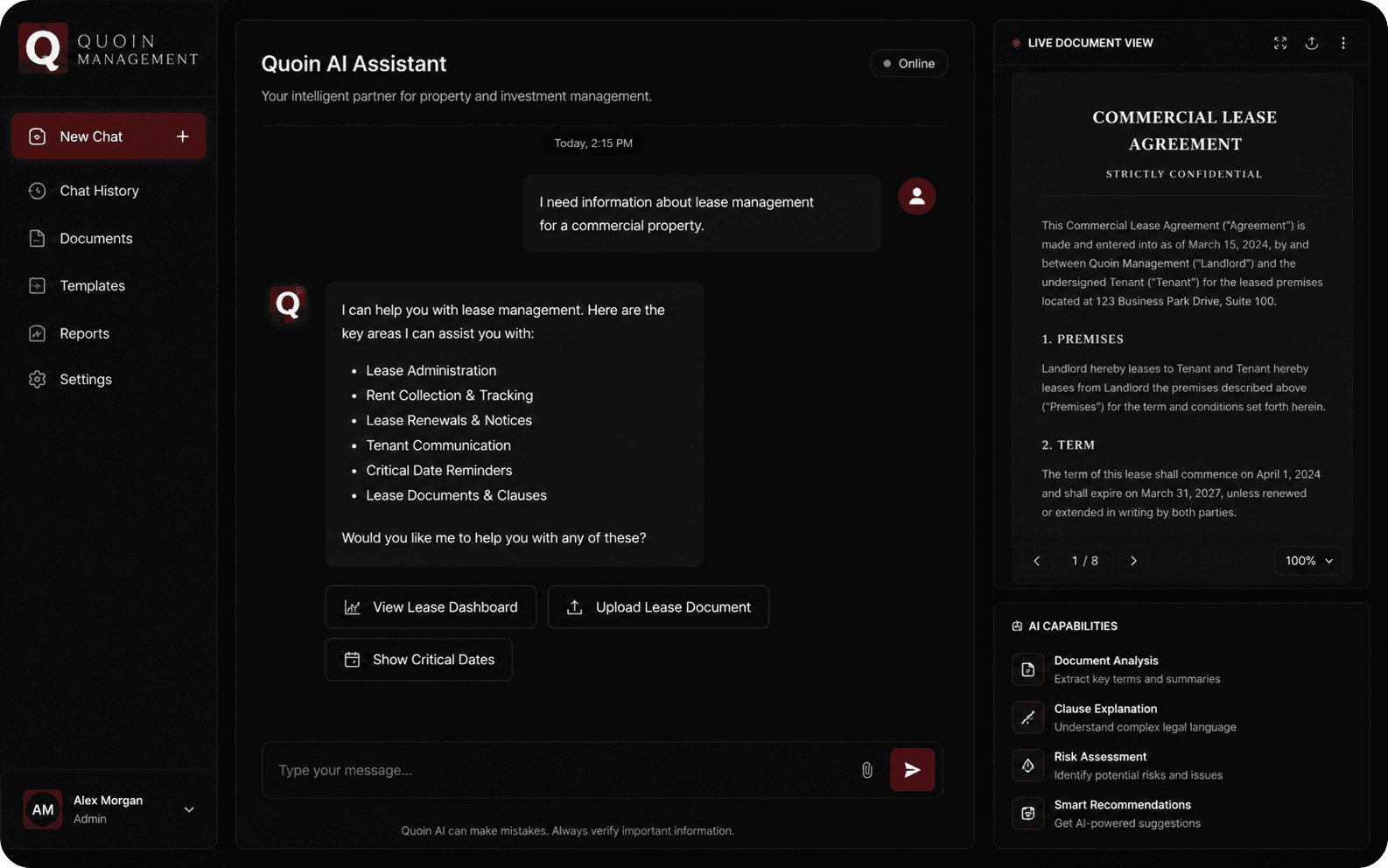
Why it matters for a plant: The same pattern as document intelligence for SOPs, drawings and certificates.
Read the case study: Quoin ManagementProduction volumes, costs, supplier terms and process know-how are commercially sensitive. We treat them that way from the first design session.
Operators, supervisors, planners and management each see and do only what their role needs — down to plant, line and action.
Single sign-on with OAuth 2.0 identity providers, or passkeys, instead of shared logins on the shop floor.
Every connection — browser, API and integration — runs over TLS.
Approvals, edits and status changes are recorded with who did what, and when.
We connect to your ERP and machines with dedicated credentials and only the access each workflow needs.
Once the project is paid in full, you own the custom software we built for you — and your operational data stays yours.
No borrowed badges: we don't display certifications we don't hold. We'll walk your IT team through exactly how your system is built, hosted and secured.
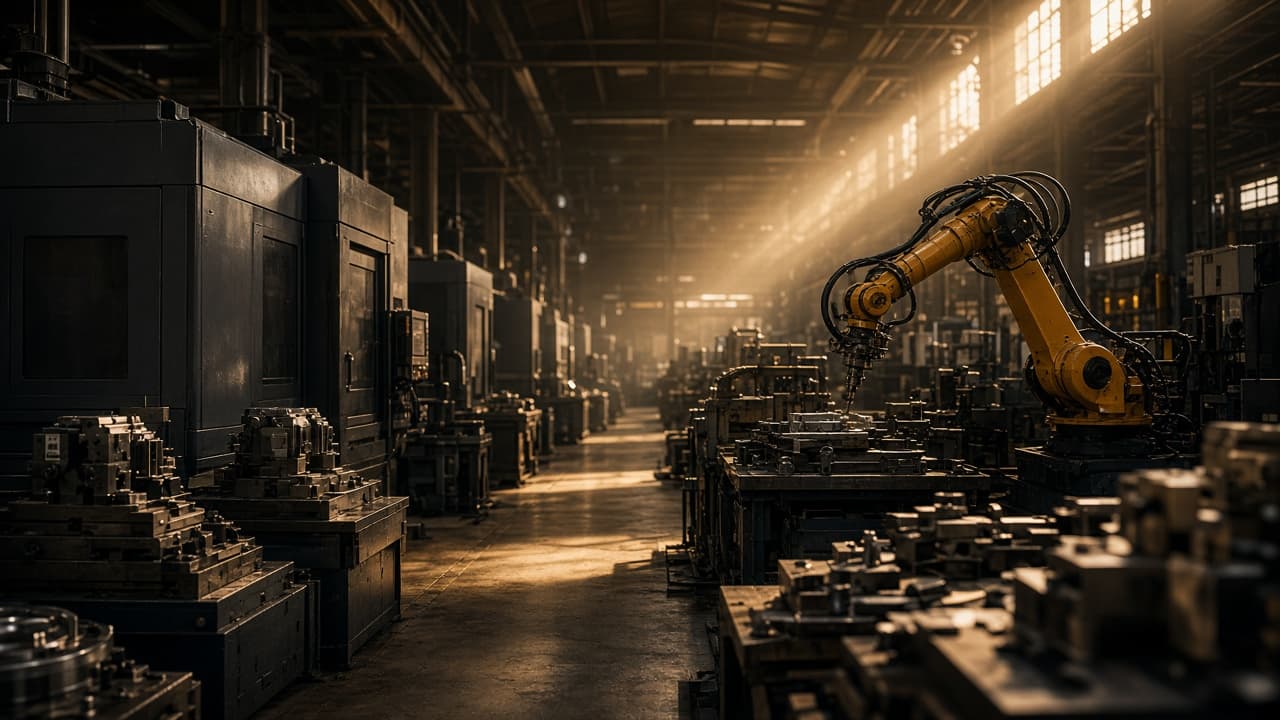
Describe the workflow, bottleneck, manual process or disconnected system. We'll help map what can be connected, automated or rebuilt.