
Everything you need, in one platform.
Powerful tools to manage clients, track progress, communicate, and grow your credit repair business — all in one place.
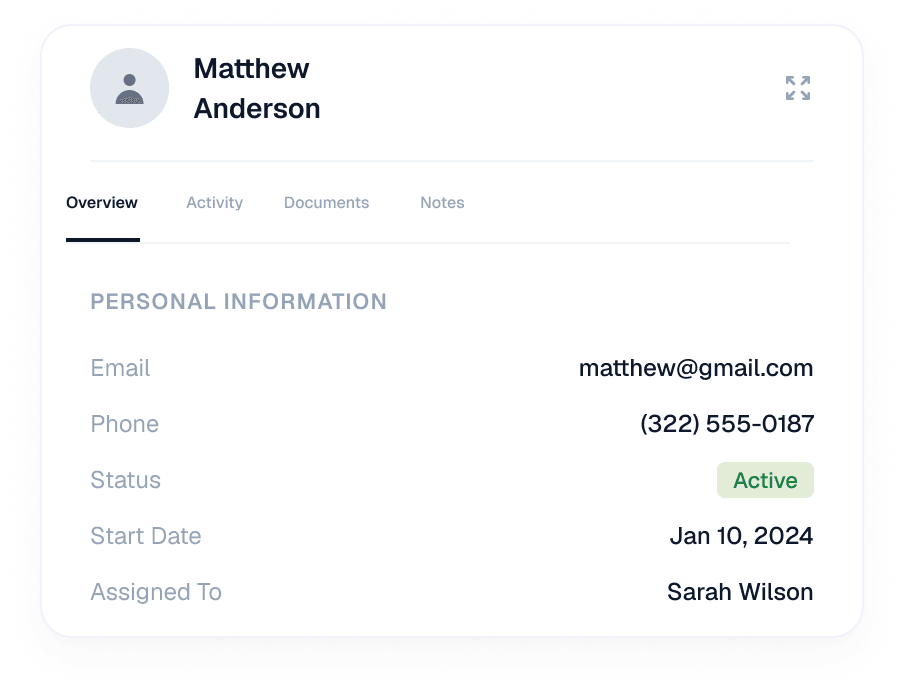
01. Client Overview
Get a complete view of each client's credit repair journey, activity, documents, and progress — all in one place.
- View client information and status
- Track activity, documents and notes
- Access everything in one place
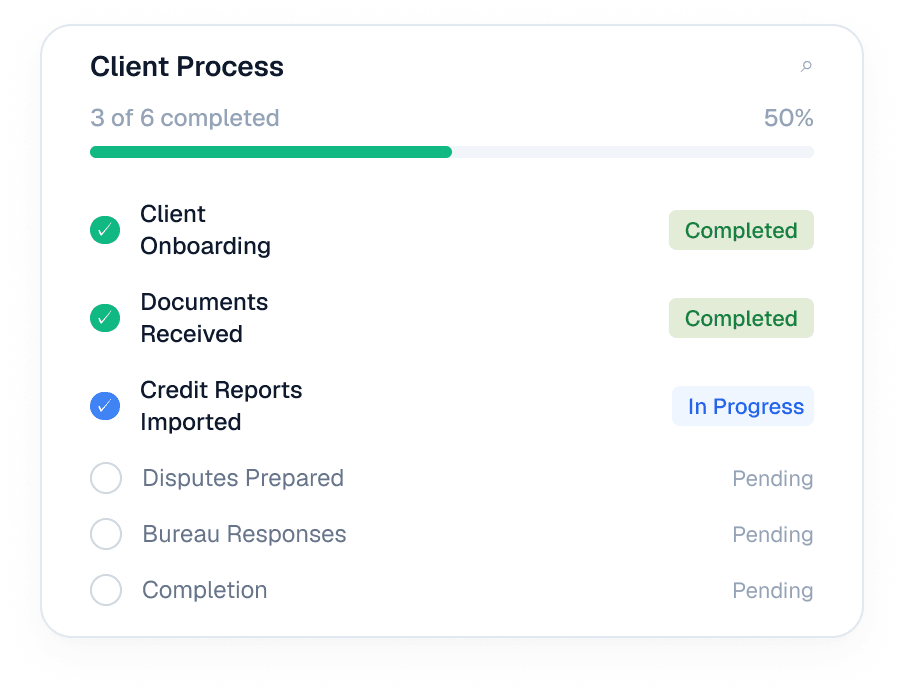
02. Client Process Checklist
Keep every client moving forward. Turn your workflow into a clear, repeatable process so nothing gets missed.
- Track every step from start to finish
- See pending and completed tasks
- Keep your team aligned
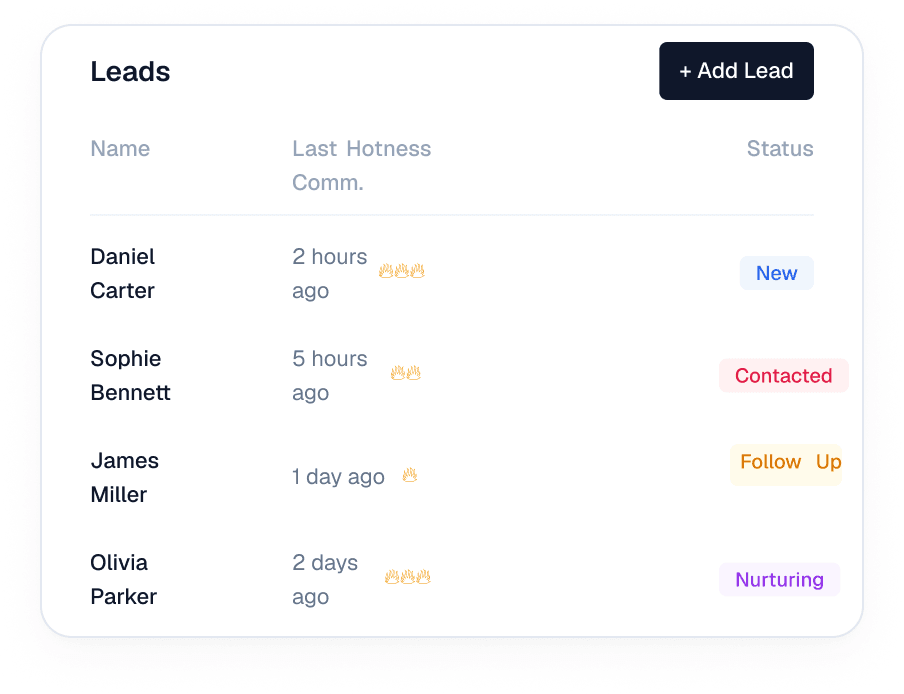
03. Leads Display
Track the status of your leads in an easy-to-read display, organized by lead activity, communication, and priority.
- Sort by status and lead hotness
- See last communication
- View assigned team members
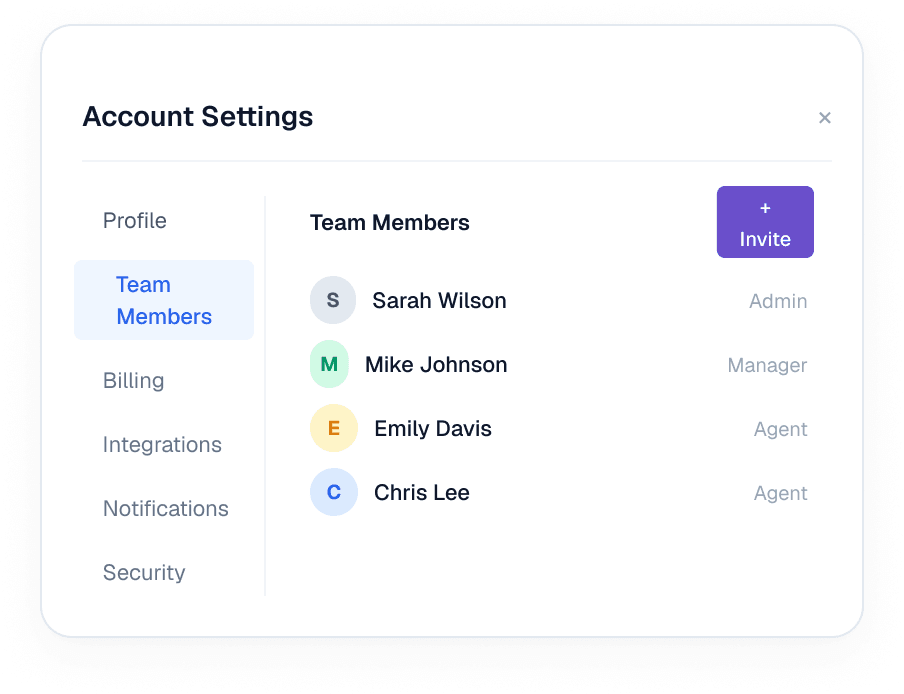
04. Account Management
Manage users, permissions, and important account information from one workspace.
- Manage users and permissions
- Keep account information organized
- Simplify daily administration
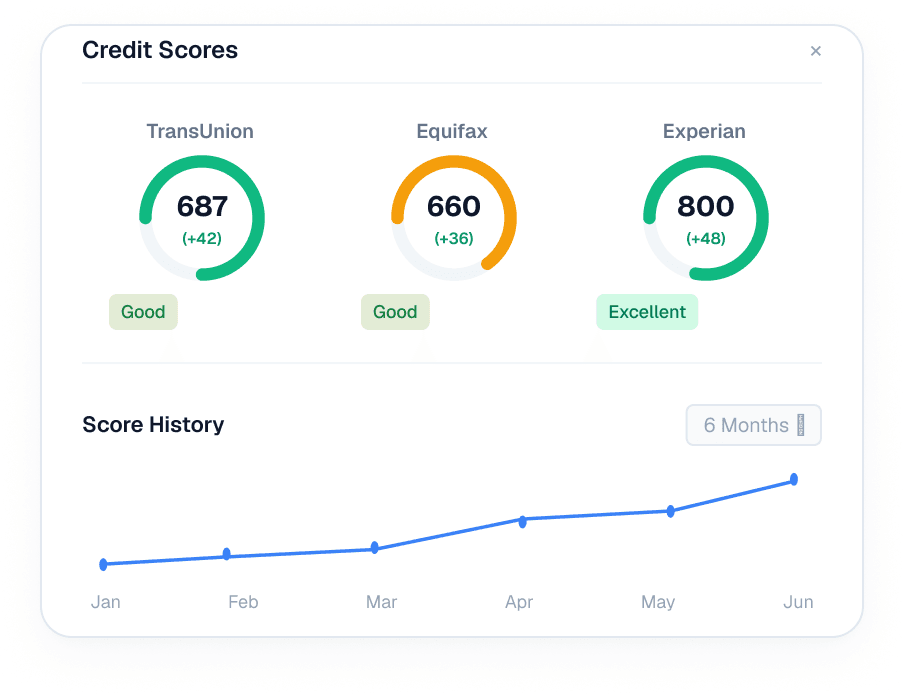
05. Scores & Import
Import credit information and quickly understand where each client stands.
- Import client credit information
- View scores from all 3 bureaus
- Track score changes over time
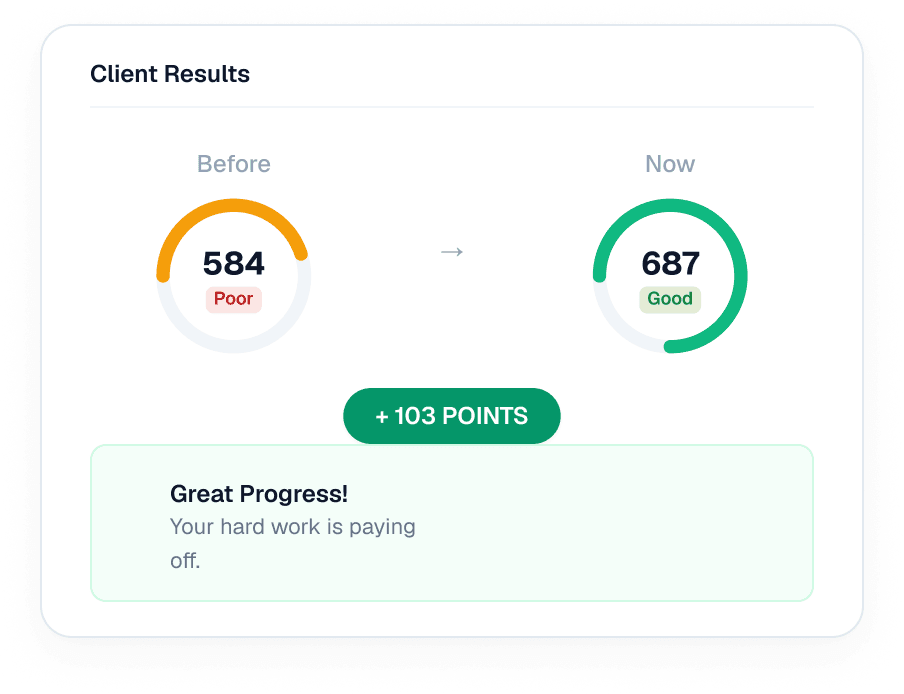
06. Share Client Results
Give clients a simple way to view their credit progress and latest results.
- Share updated credit results
- Highlight score improvements
- Make progress easy to understand
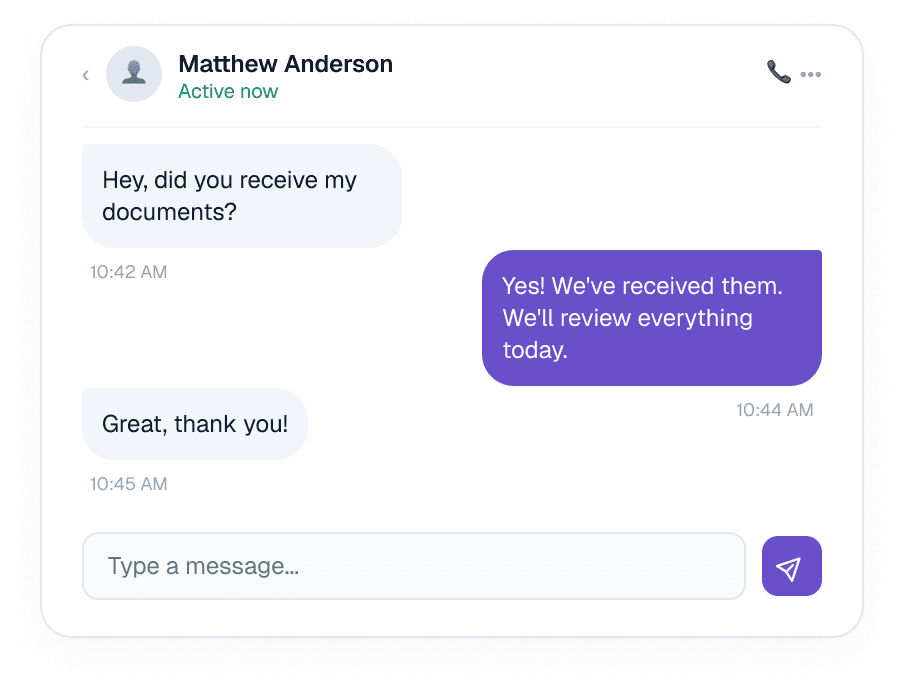
07. 2-Way SMS
Connect with clients through two-way SMS without leaving your workflow.
- Send and receive messages
- Keep conversations in one place
- Track communication history
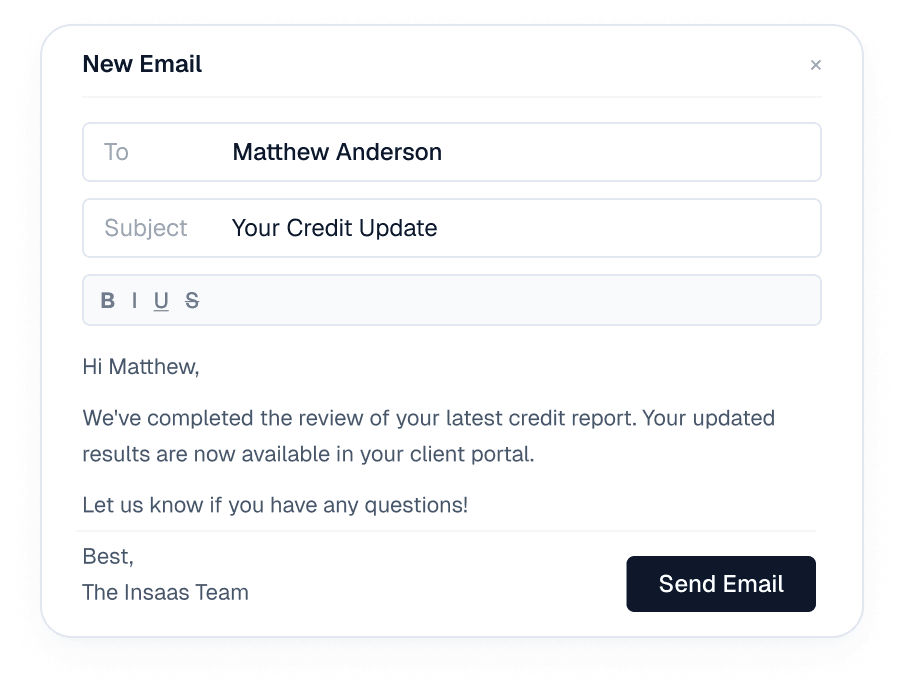
08. Email
Manage client email communication alongside the rest of your workflow.
- Send and manage client emails
- Keep emails tied to client records
- Reduce switching between tools
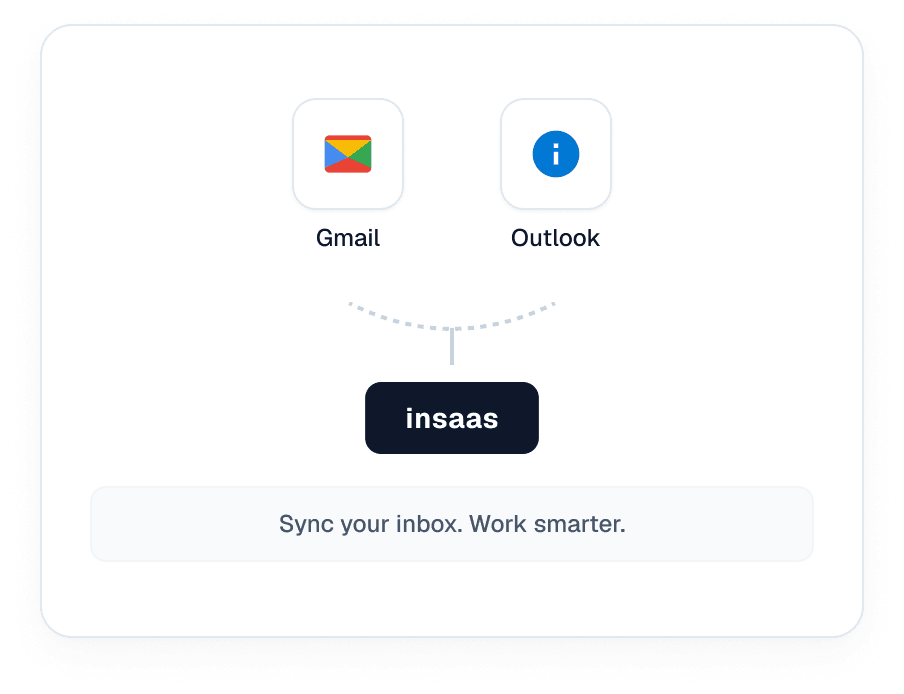
09. Gmail & Outlook Integration
Connect Gmail and Outlook to keep client communication connected to Insaas.
- Connect Gmail or Outlook accounts
- Sync client communication
- Access emails in one place
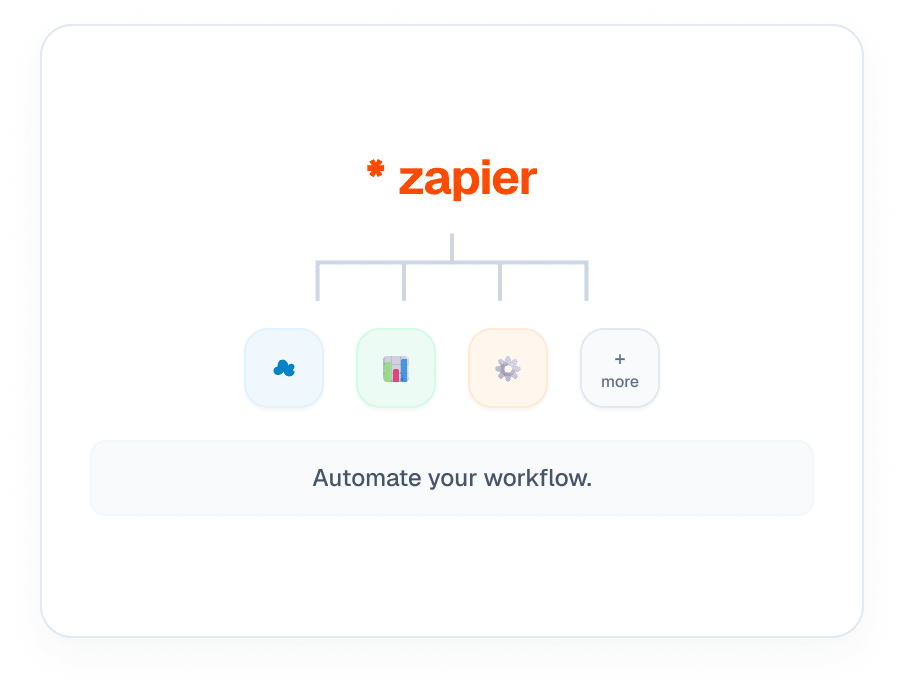
10. Zapier API Connection
Automate repetitive tasks by connecting Insaas with the apps your business relies on.
- Connect with thousands of apps
- Automate client and lead workflows
- Trigger actions automatically
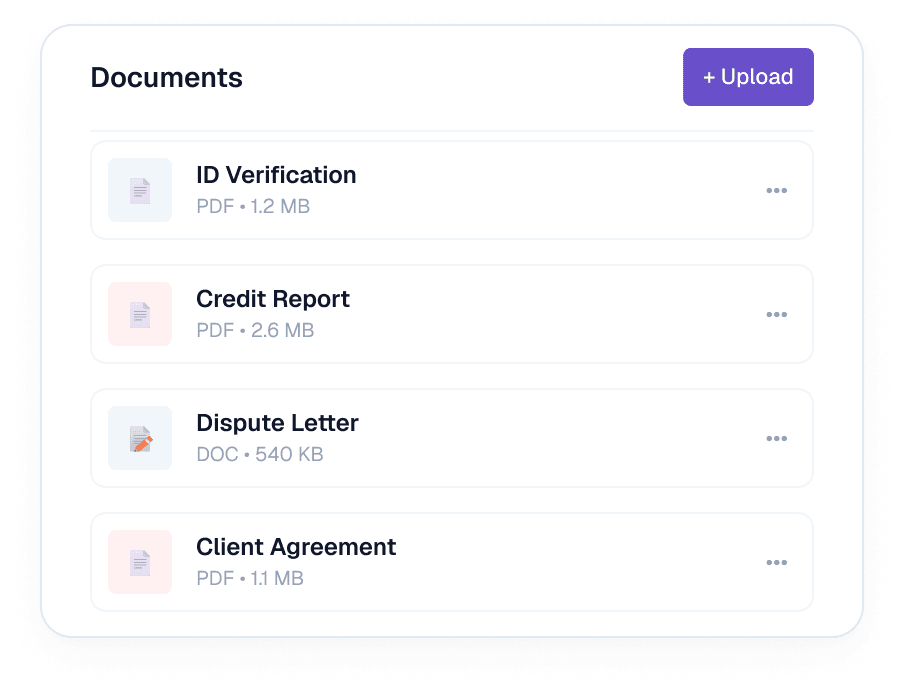
11. Documents & Files
Store and manage important client documents securely within their records.
- Upload and organize files
- Access documents by client
- Keep important files in one place
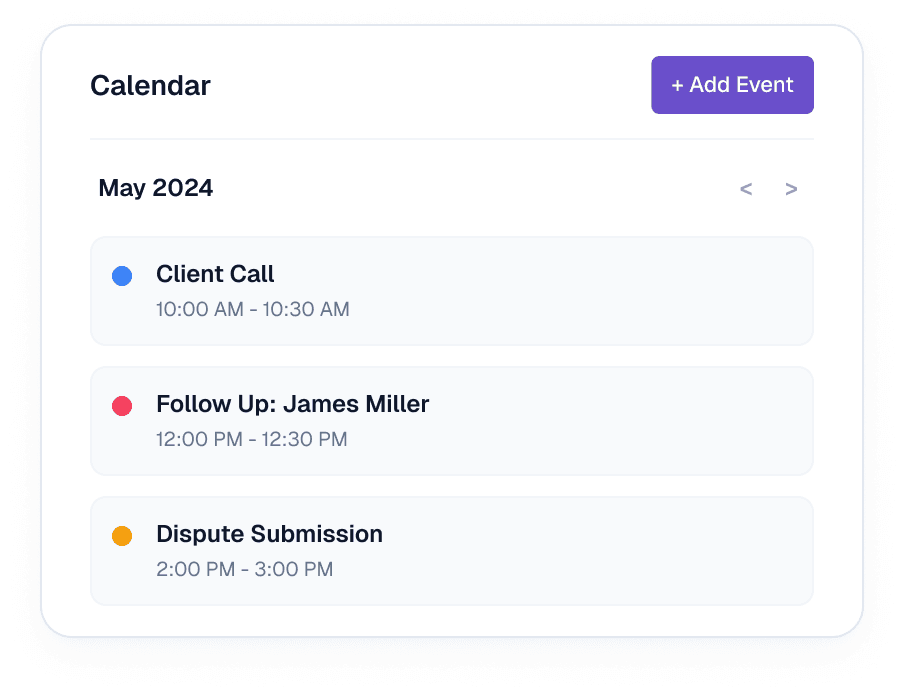
12. Calendar & Reminders
Keep track of important dates, follow-ups, appointments, and tasks.
- Schedule calls and appointments
- Set reminders for key actions
- Keep your team on track